Entire Screen - The File menu > Capture Picture > Entire Screen command captures all of the Windows screen, including Windows Start and Windows title bar. Example

Main Window - The File menu > Capture Picture > Main Window command captures all of the ETABS window, including toolbars and status bars. Example

Current Window w/ Titlebar - The File menu > Capture Picture > Current Window w/Titlebar command captures the current window with the title bar. Example
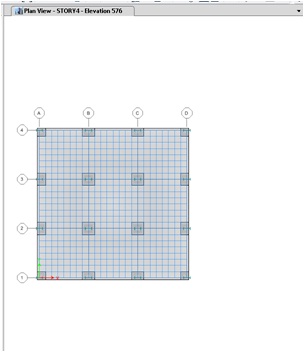
Current Window w/o Titlebar - The File menu > Capture Picture > Current Window w/o Titlebar command captures the current window without the title bar. Example

Current Window as Enhanced Metafile - The File menu > Capture Picture > Current Window as Enhanced Metafile command creates an .emf file of the active window. An Enhanced Metafile is a vector file format that can be read by many graphics programs as well as some office tools such as word processors. Example

Current Window as DXF/DWG - The File menu > Capture Picture > Current Window as DXF File command creates a .DXF file of the active window, if AutoCAD is present on the computer executing this command.
Current Window as PDF - The File menu > Capture Picture > Current Window as PDF command creates a .pdf file of the active window.